


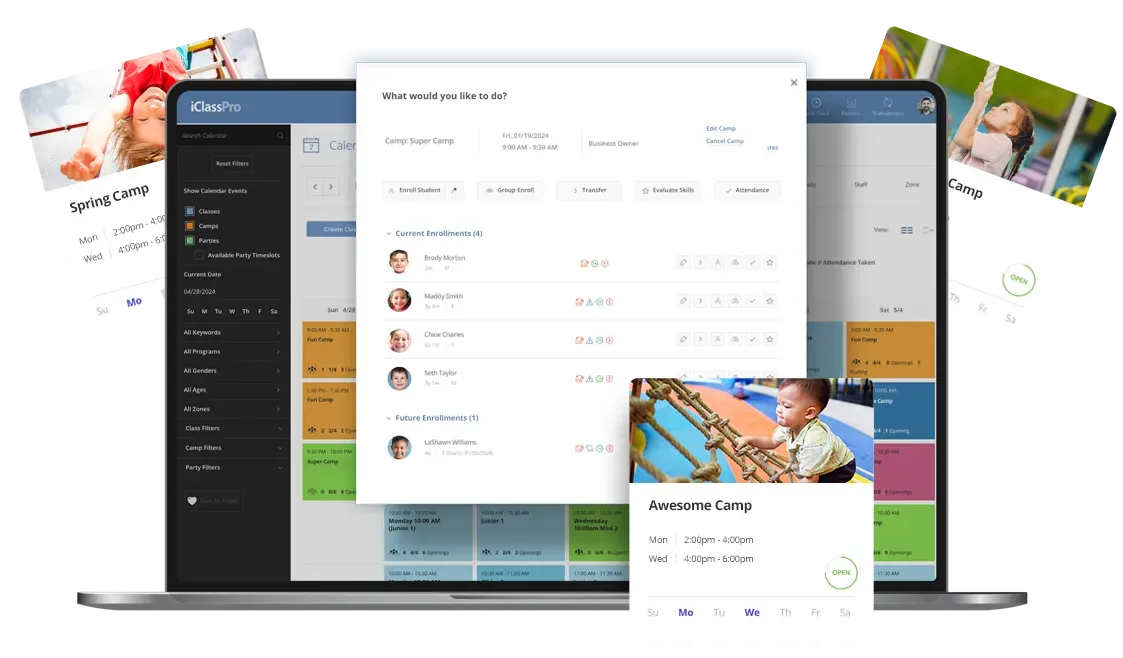
Enhance Your Camp and Event Management with Intuitive Software
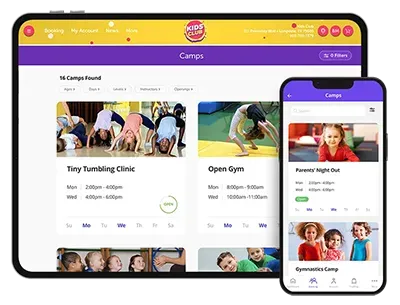
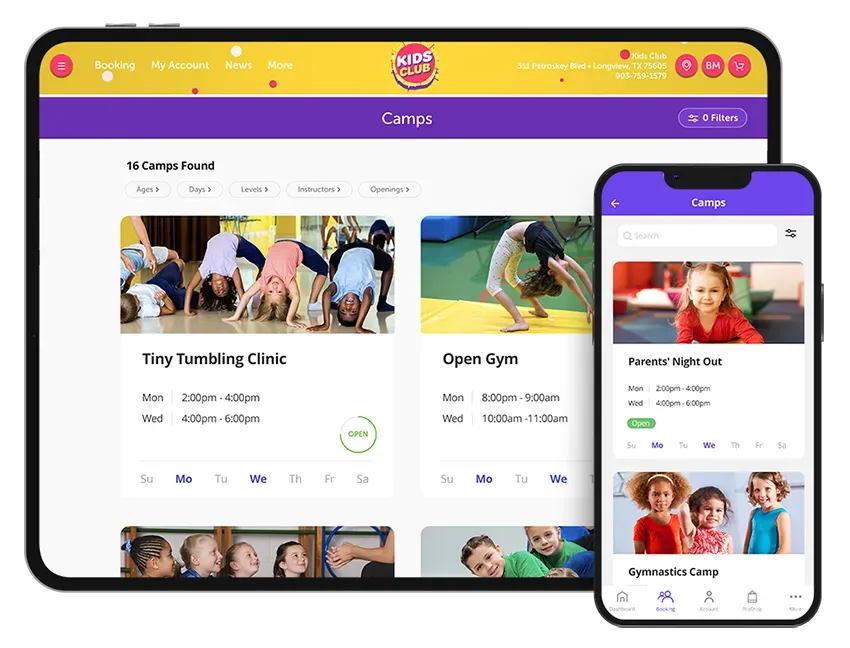
Easily manage your camps, open gyms, parents' night out, and other special events!
Take Customer Engagement to the Next Level
Describe some quality or feature of the company. Write a short paragraph about it and choose an appropriate icon.
Short title
Maximize Revenue and Engagement

Fill your calendar while increasing revenue with camps and short term events such as summer camps and open gyms.
Enhance Real-Time Customer Experience

Offer priority registration, online enrollment, billing, and waitlist options to make your customers feel exclusive and accommodate their needs effectively.
Empower Your Customers with Self-Service Options

Discover the simplicity of electronic attendance tracking with the user friendly, touchless check-in kiosk.

Camp Enrollment Wizard
A guided workflow helps staff move through camp enrollments quickly and consistently, creating a smoother experience for both new and experienced team members.

User Defined Camp Enrollment Questions and Student Answers
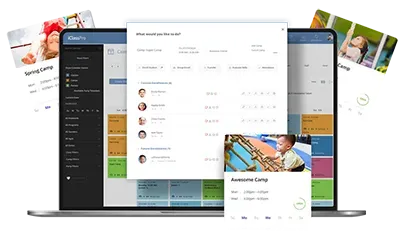
Everything needed to support camp attendees and keep the day moving is available in one place, in real time, on the Staff Portal.

SMS Text & Push Notifications
Easily communicate with families by sending a text message or push notification directly from the Camps page in the Office Portal.

Expand Camp Dates after Enrollment
Even after enrollment begins, you have control when plans change.

Priority Registration
Set Priority Registration dates on individual camps, providing more flexibility and preventing enrollment interruptions across camps.

Opening Counts for Camps & Blocks
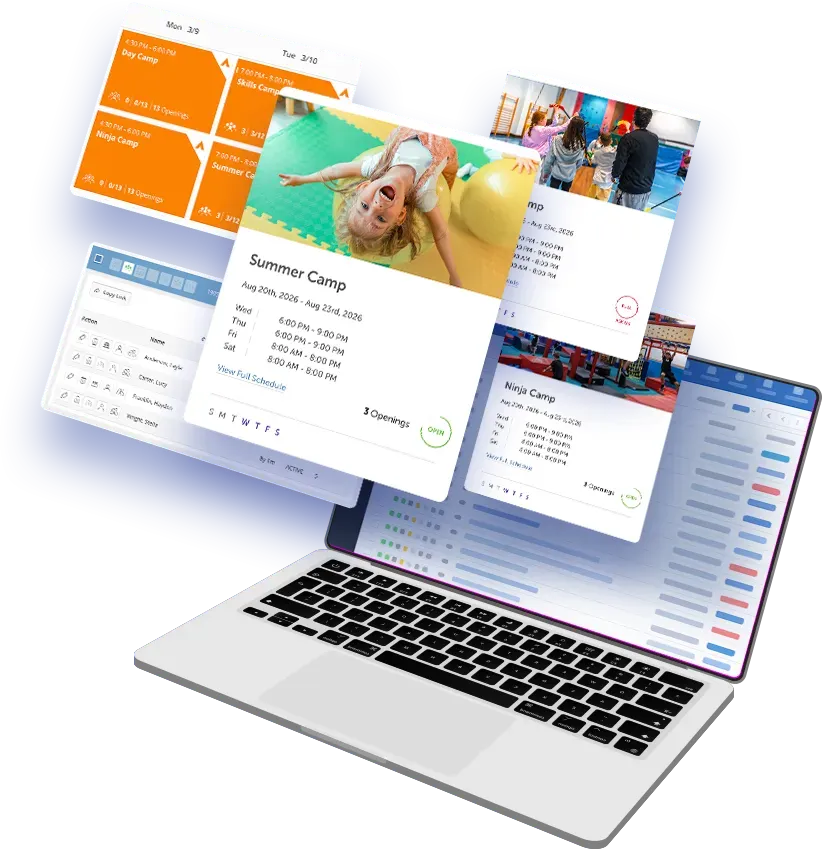
Parents can clearly see availability when browsing camps and camp blocks, choosing and enrolling with confidence.

Bulk Camp Schedule Changes
Make schedule adjustments across multiple camps in one step, saving time when plans change.

Mass Cancel Camp Blocks
When schedules need to shift, cancel camp blocks across multiple camps quickly using a familiar process.

Assign Unique Charge Category by Camp Type
Organize camp revenue and reports, no matter how you run your camps.

Direct Link to Enrollment
Copy and share a direct link to an individual camp, removing the need to navigate through the Customer Portal to enroll!

Hidden Class/Camp Registration
Keep select camps hidden from public view while allowing enrollment through direct links.
Even more game-changing camp features

Modify Camp Booking Links
Parents can now instantly modify existing camp enrollments when enrolling for a camp that conflicts with an existing camp enrollment.

Mass Duplication of Camps
Quickly duplicate multiple camps at once from the Camps page, saving time and ensuring consistent setup across camps.

Group Camp Enrollment
Add multiple students to a camp in a single workflow, reducing the time it takes to process registrations during peak enrollment periods.
Capitalize on Revenue-Increasing Add-On Perks
Limitless revenue potential is in your hands! Prompt your customers to answer customized questions during registration: make those answers required or optional and choose to include add-on fees based on the answers to these questions!

Enjoy Flexible Enrollment and Billing Options
Auto-approve enrollments or opt for request-only enrollment mode. Provide priority registration, show real-time occupancy and elect to use waitlists. Enhance your customer experience by offering payment options: register without immediate payment, register with a deposit or ask for payment in full - the power is in your hands!

Customize Your Camp Registration Experience
Choose between full camp registration or allow your customers to handpick specific camp blocks that they would like to attend. Elect to use waitlists, alerting your customer that a camp block is full. Enjoy the bonus of multi-block or multi-student discounts for the same camp! Elevate your camp experience with personalized choices and exclusive advantages!

Simplify Camp Block Registrations
Streamline registration with this custom labeling feature! Easily group and select camp blocks with the same label, simplifying registration for specific time slots like mornings, afternoons, or the full day. Your chosen alias label becomes the identifier for the attached blocks, making the process seamless and efficient.

Limitless Event Potential
Imagine the possibilities with software that can efficiently manage summer camps, open gyms, parent’s night out, holiday events, dance parties and more. Ready to take your camps to the next level? Our Summer Camp Playbook shares expert strategies for creating exciting camp themes, boosting enrollments, and maximizing revenue. Read the Summer Camp Playbook.
Describe some quality or feature of the company. Write a short paragraph about it and choose an appropriate icon.